My apps
The Omni Project
By Hoxton
A family of free Windows apps that work together.

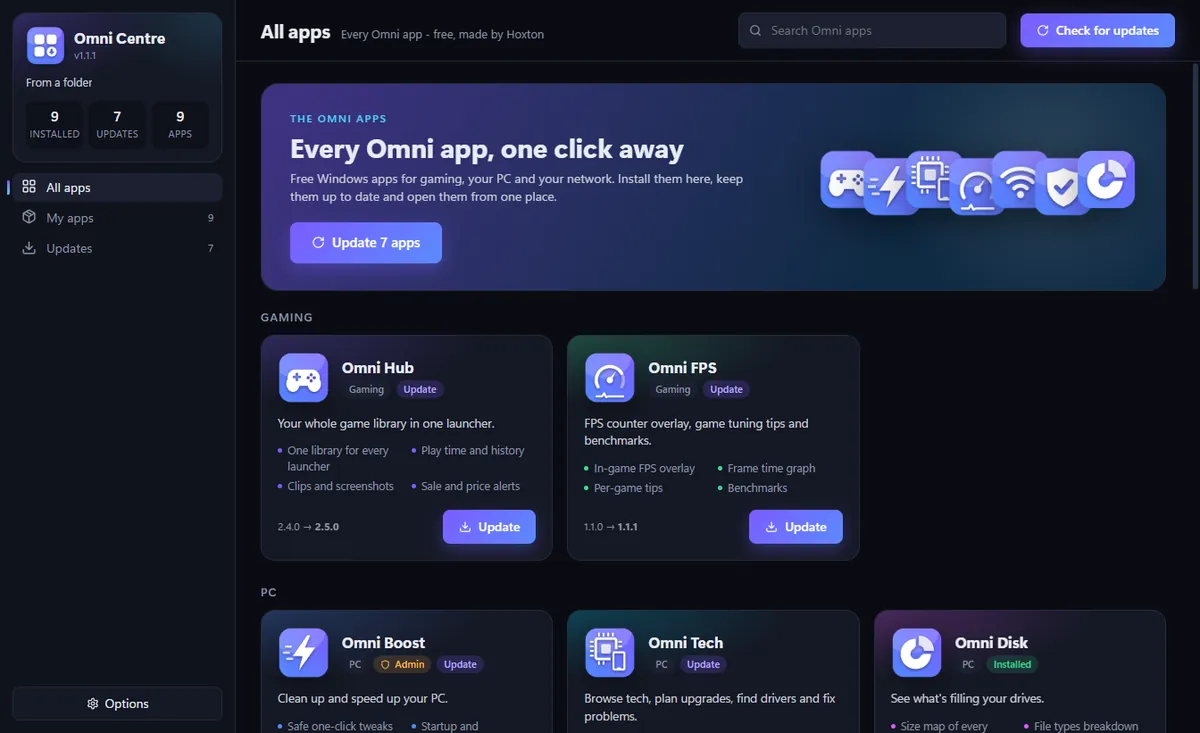
Omni Centre
The Omni app store. Install, update and launch every Omni app from one place. Get this one first.
See inside →
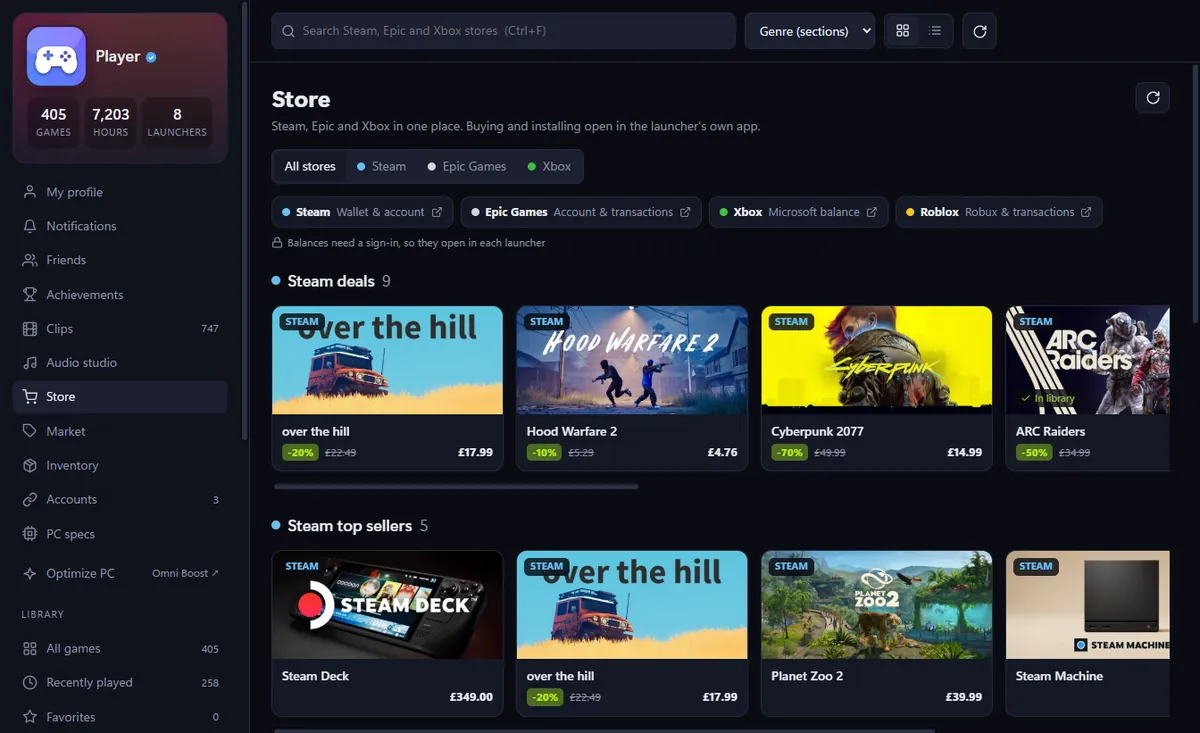
Omni Hub
Your whole game library in one launcher, plus all your clips from AMD, NVIDIA, Game Bar and Medal.
See inside → Download Omni Hub OmniHub.exe · 15 MB
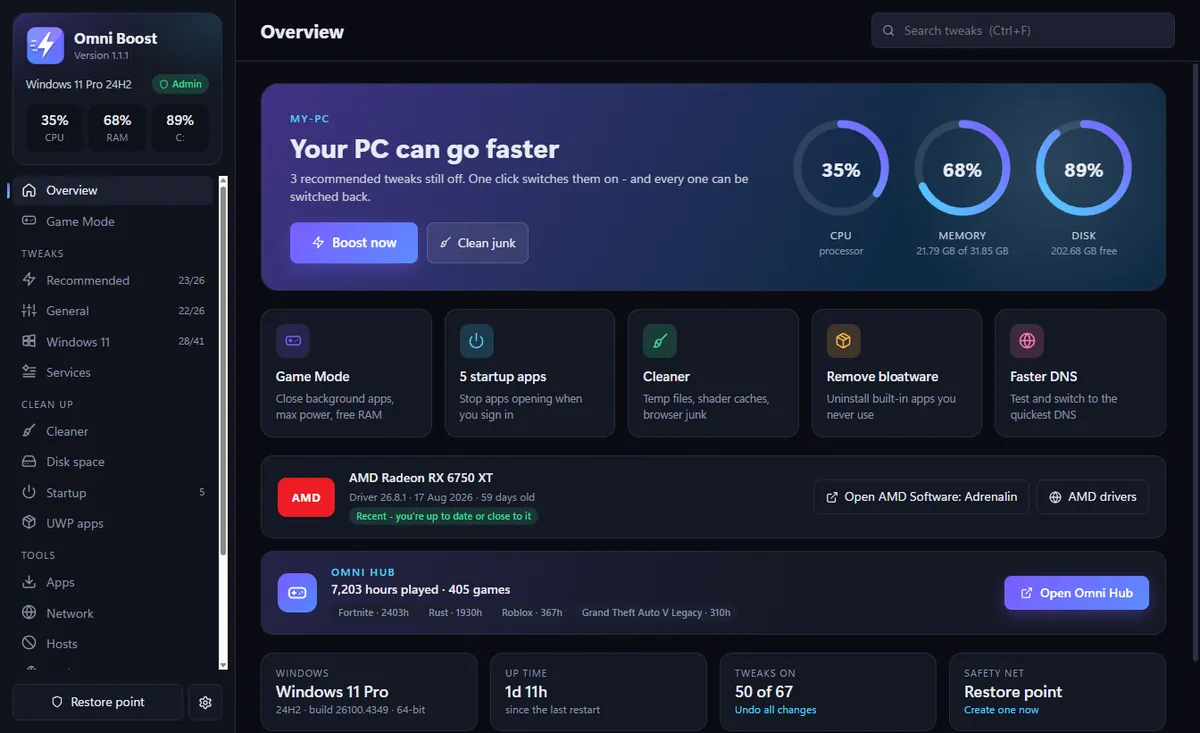
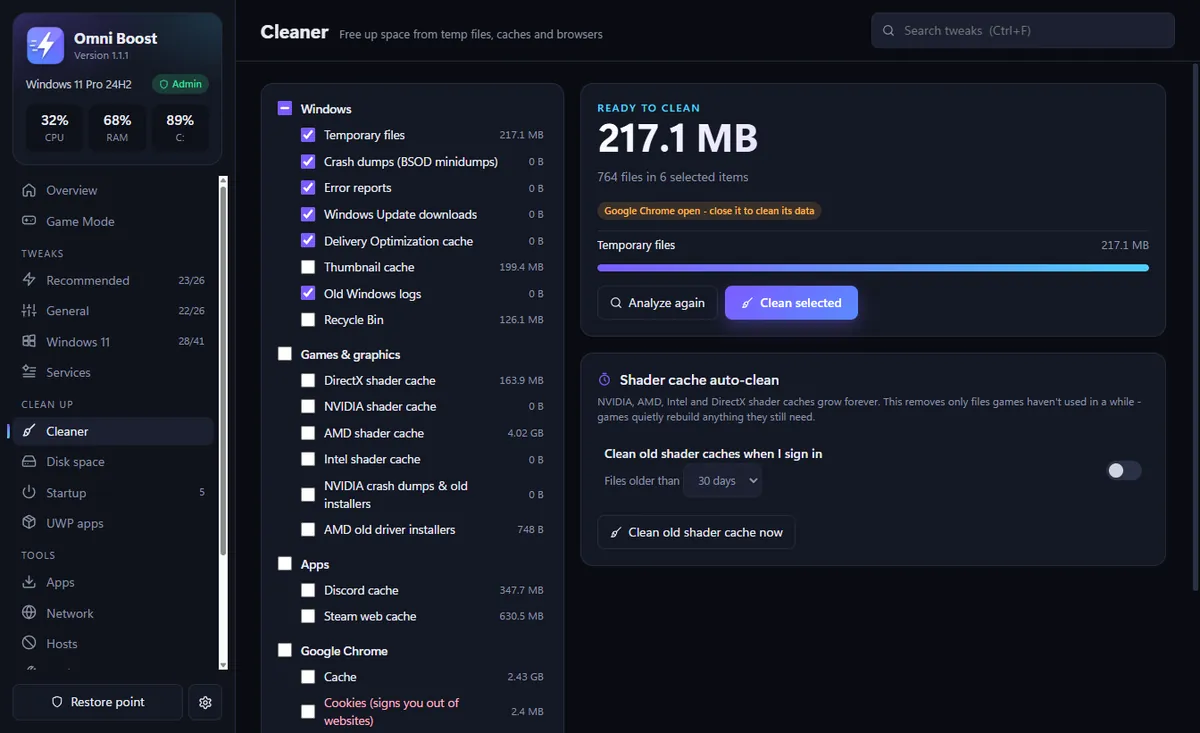
Omni Boost
Clean up and speed up your PC.
See inside → OmniBoost.exe · 12 MB
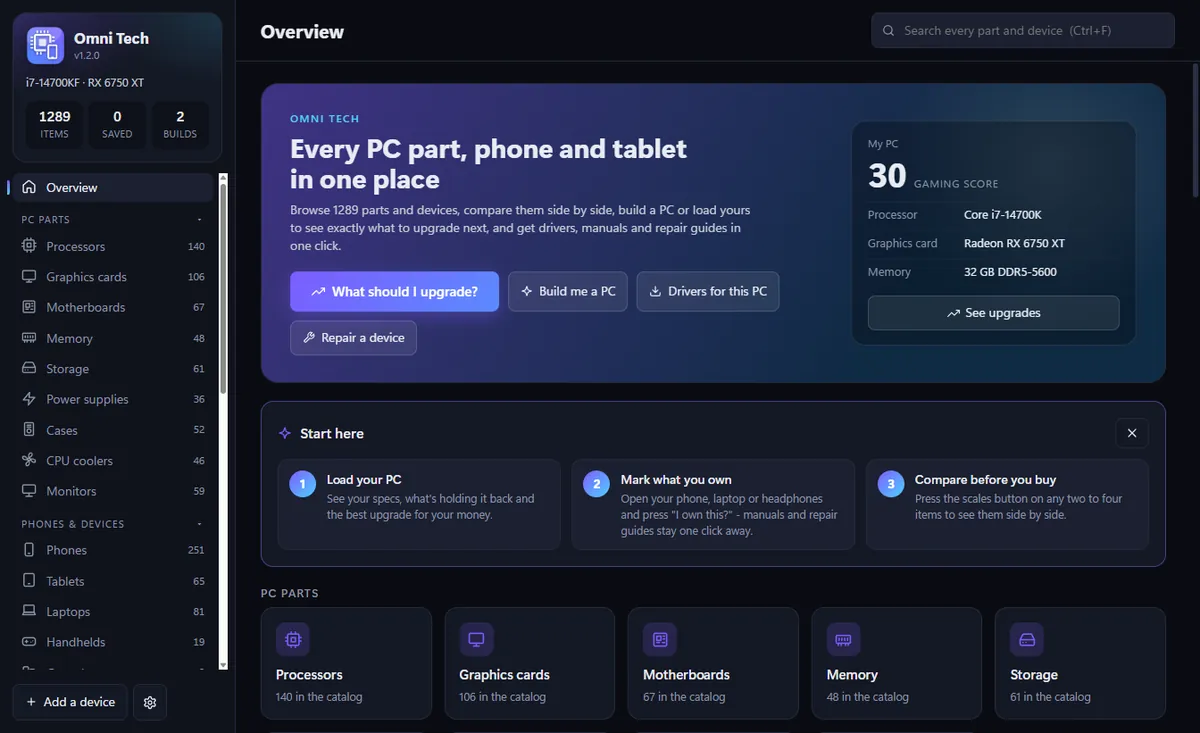
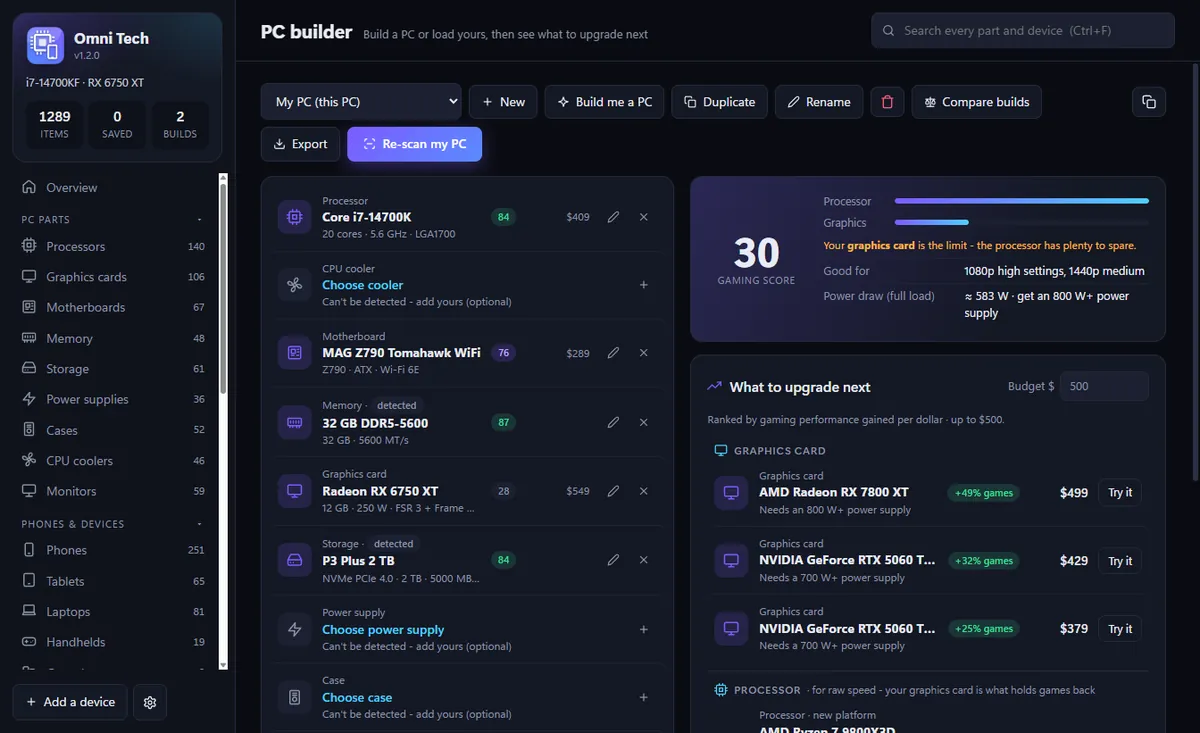
Omni Tech
Browse tech, plan PC upgrades, find drivers and get repair help.
See inside → OmniTech.exe · 11 MB
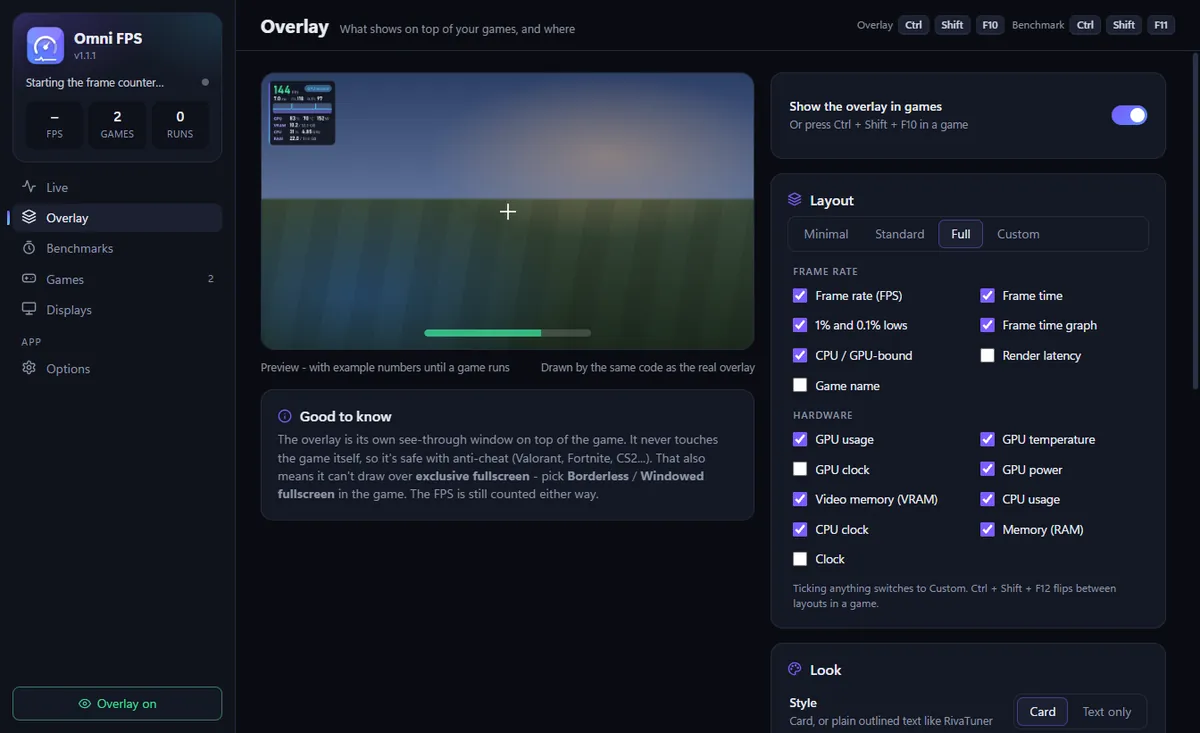
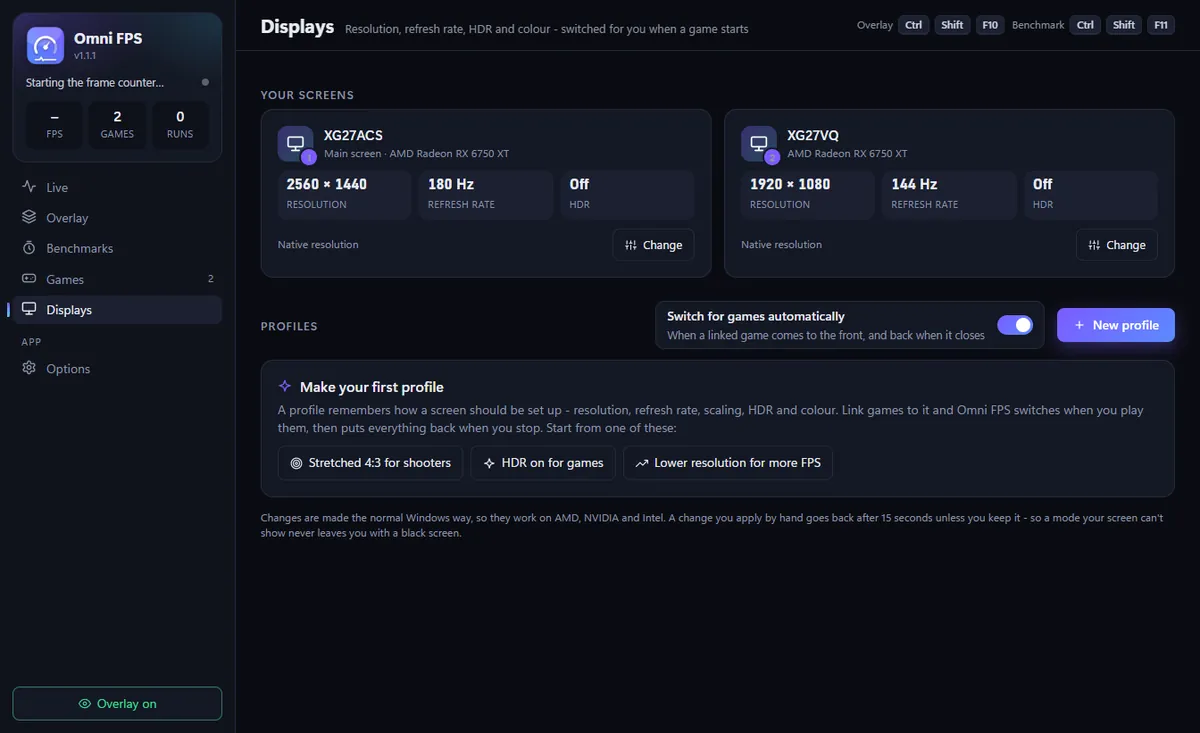
Omni FPS
An in-game FPS overlay, benchmarks, per-game display profiles and tips to make each game run smoother.
See inside → Download Omni FPS OmniFPS.exe · 14 MB
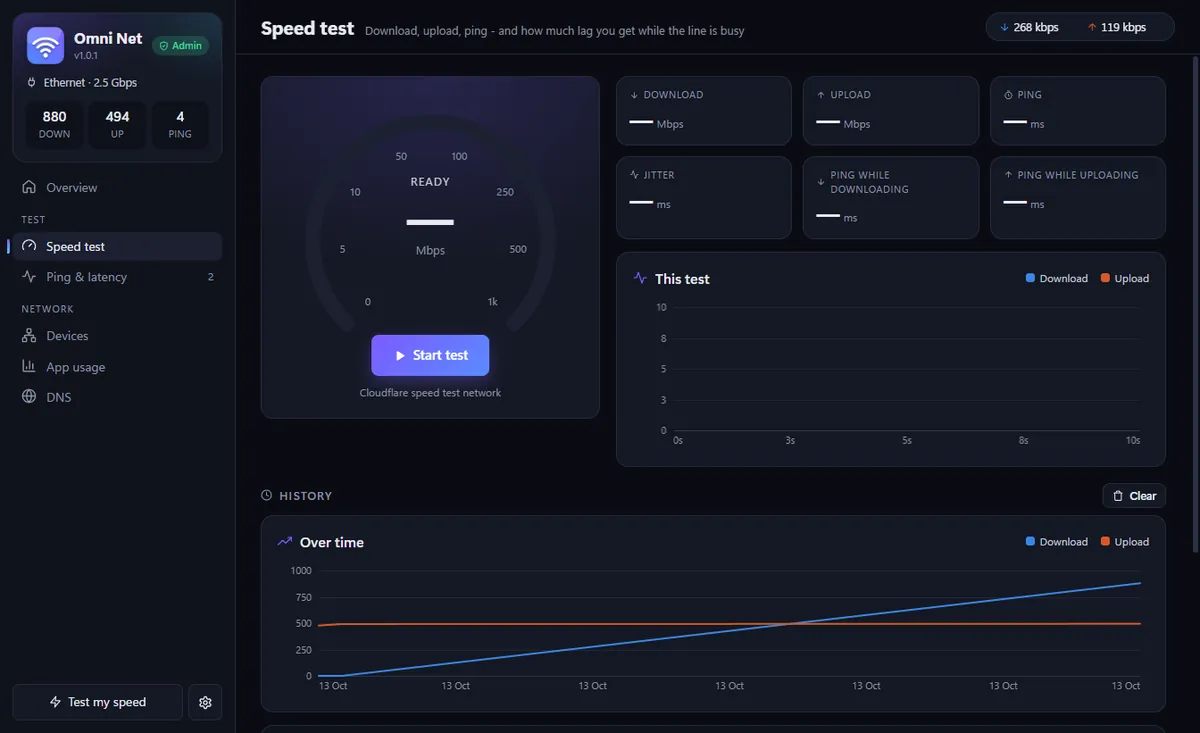
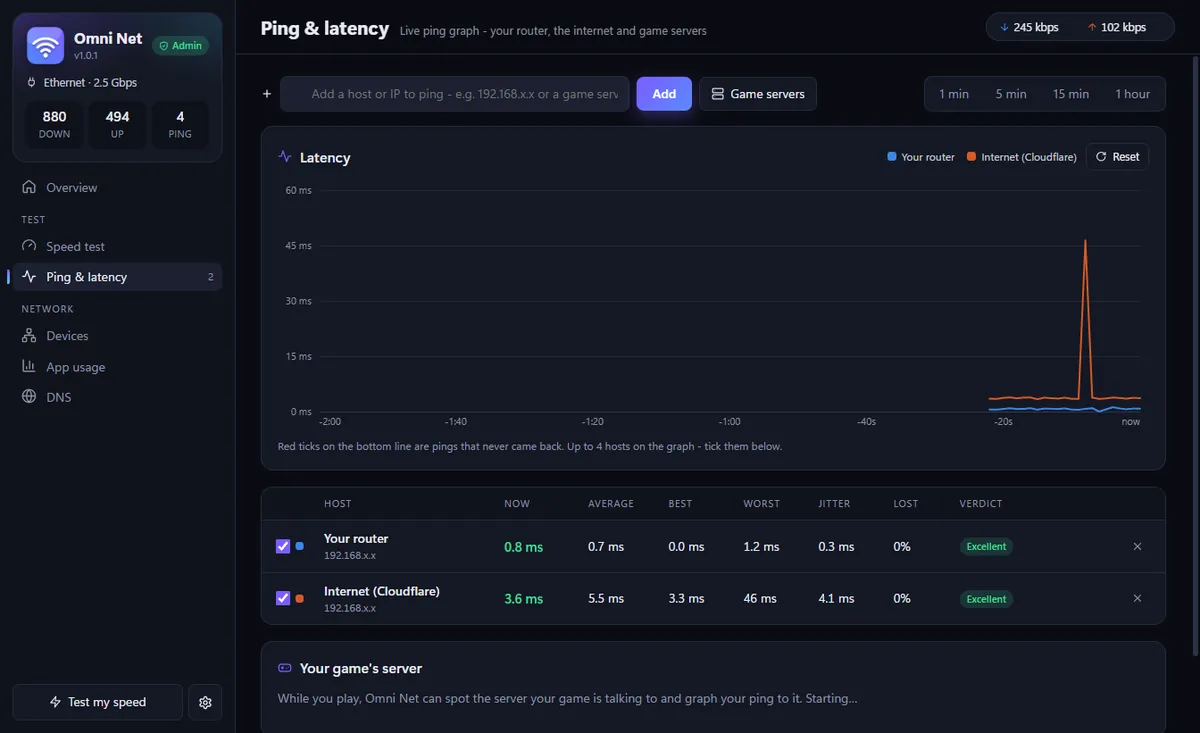
Omni Net
Speed tests, live ping, see what's on your network and which apps use your internet.
See inside → Download Omni Net OmniNet.exe · 11 MB
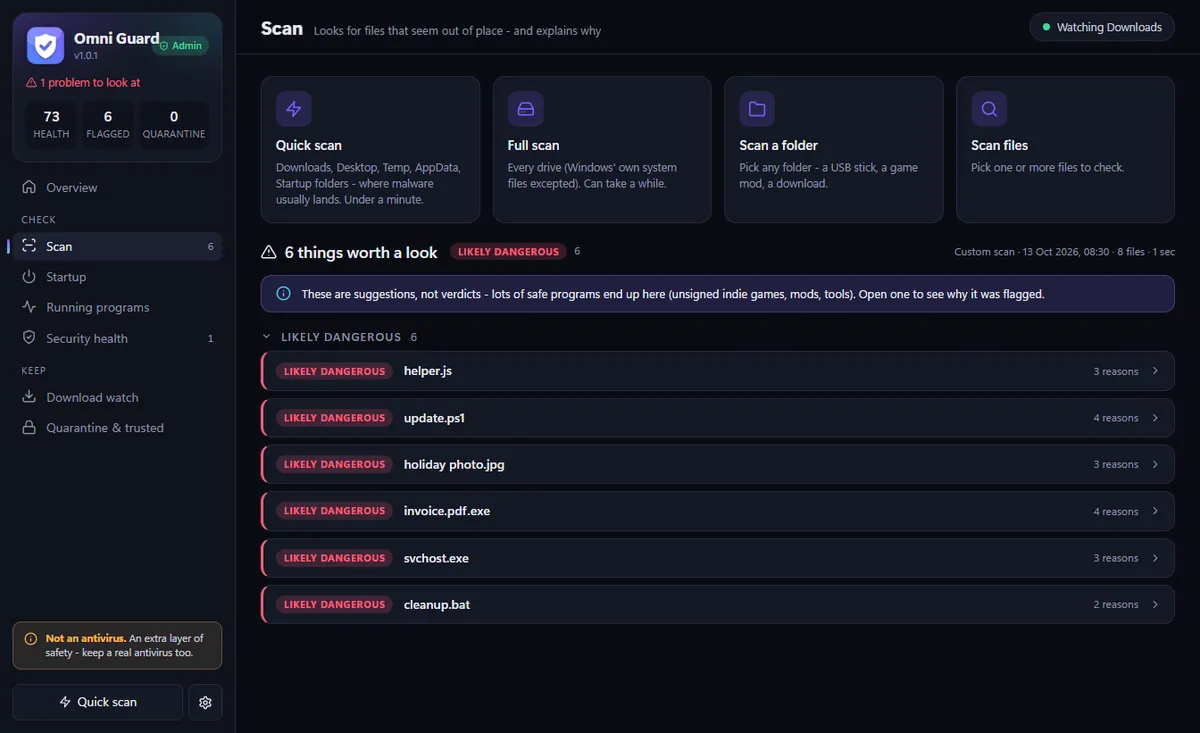
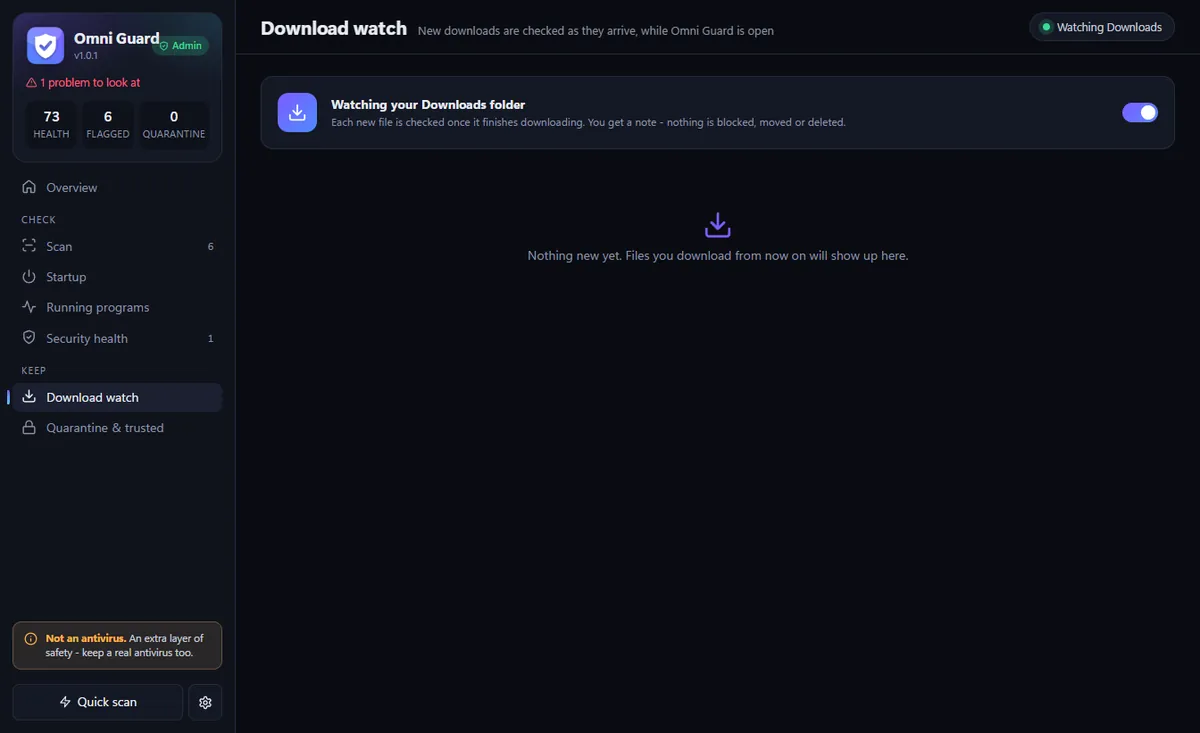
Omni Guard
A security helper that checks your PC and suggests fixes. Not an antivirus: keep using a real one.
See inside → Download Omni Guard OmniGuard.exe · 11 MB
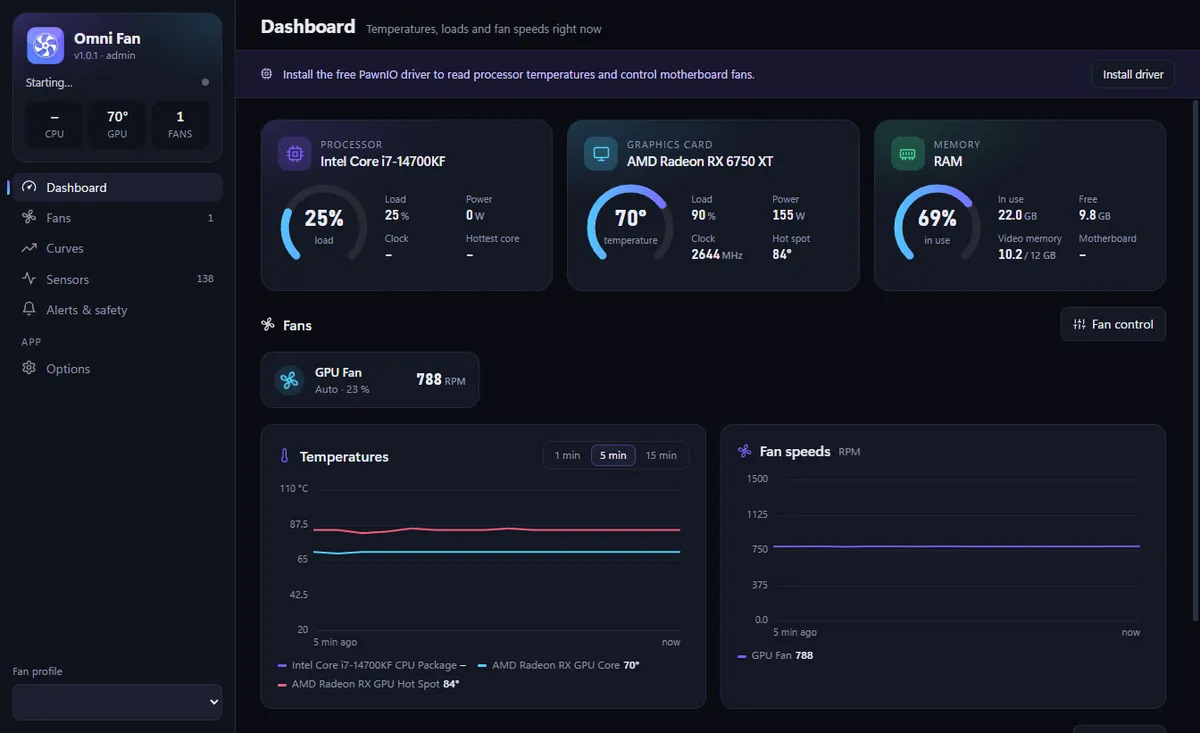
Omni Fan
Fan curves and profiles, plus a live monitor for every temperature, load and fan speed in your PC.
See inside → Download Omni Fan OmniFan.exe · 13 MB
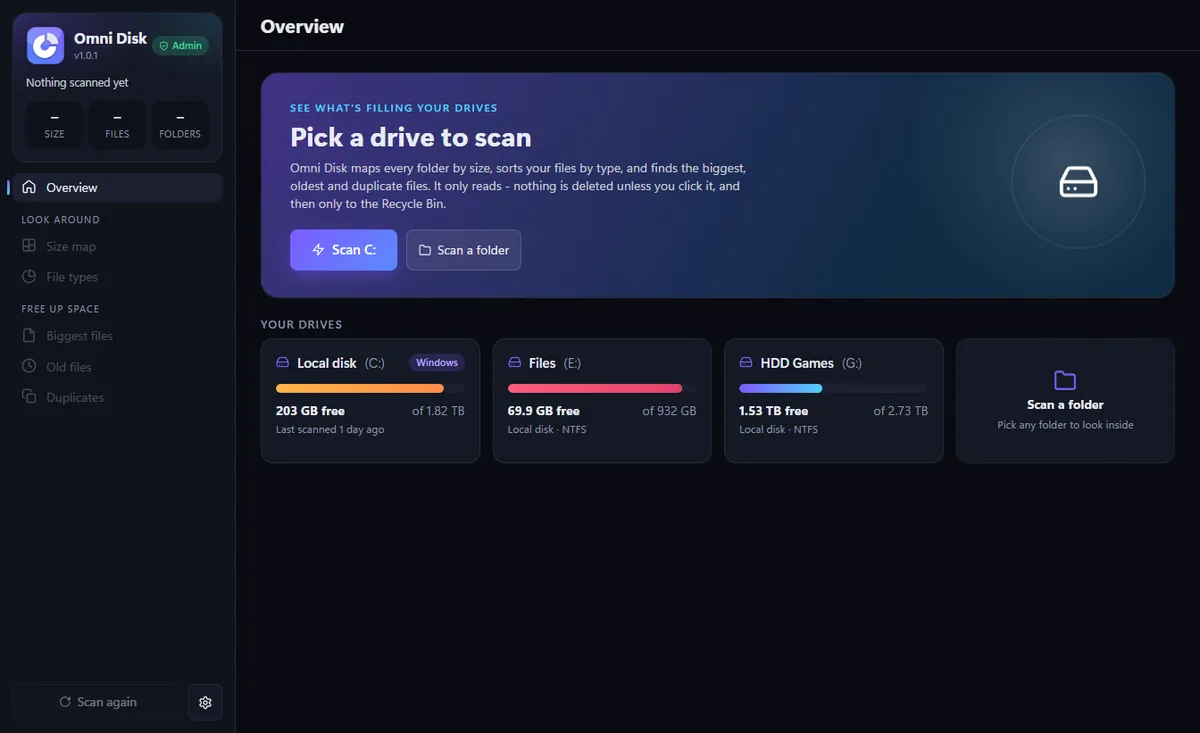
Omni Disk
See what's filling your drives: a size map, the biggest files and duplicates.
See inside → Download Omni Disk OmniDisk.exe · 11 MB
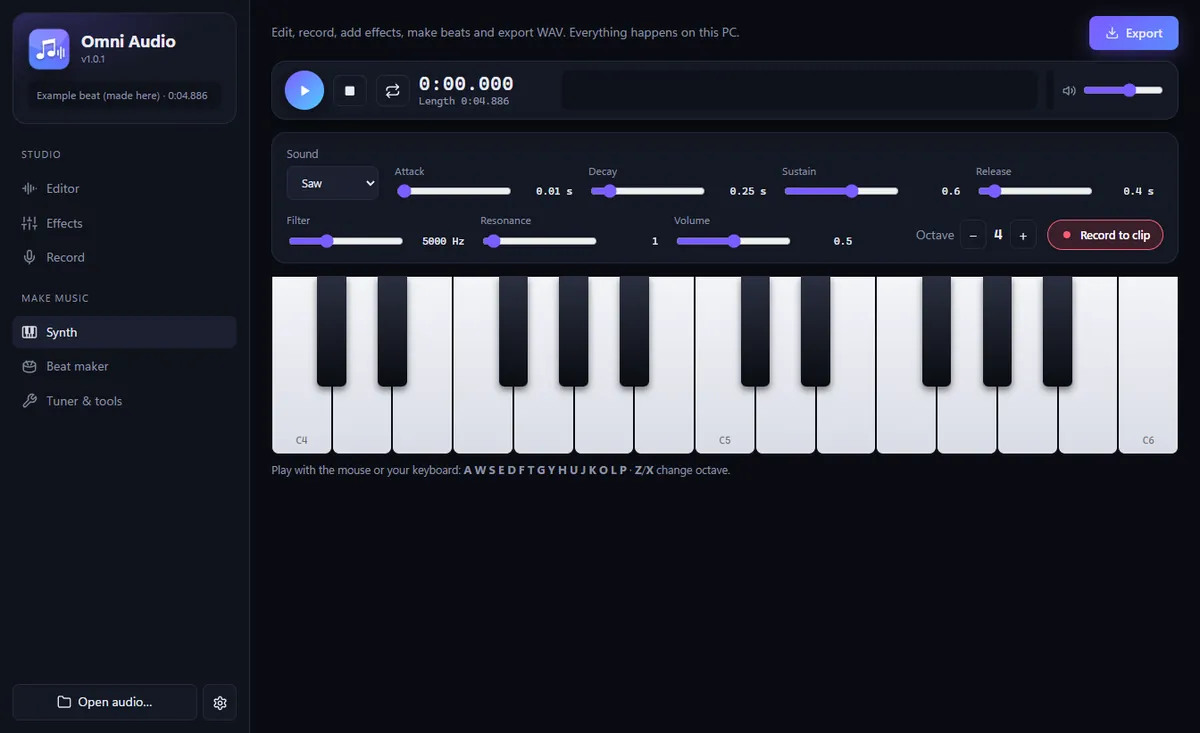
Omni Audio
Edit, record and make music: cut, fade and fix audio, add effects like reverb, echo and EQ.
See inside → Download Omni Audio OmniAudio.exe · 11 MBWindows may show a SmartScreen warning because the apps are new. Click More info → Run anyway.
✨ What's new 18 Oct 2026
- Omni Centrev1.2.3
Fixed: Omni Centre's own update downloaded but never installed or restarted - it now updates itself properly. Fixed: updating from inside the app downloaded the new version but never swapped it in or restarted - updates now finish and reopen the app by themselves.
- Omni Hubv2.6.3
Fixed: an Omni Plus theme picked in the Themes window went back to the old theme the next time Omni Hub started. Fixed: updating from inside the app downloaded the new version but never swapped it in or restarted - updates now finish and reopen the app by themselves.
- Omni Boostv1.2.3
Fixed: updating from inside the app downloaded the new version but never swapped it in or restarted - updates now finish and reopen the app by themselves.
- Omni Techv1.3.3
Fixed: updating from inside the app downloaded the new version but never swapped it in or restarted - updates now finish and reopen the app by themselves.
- Omni FPSv1.2.3
Fixed: updating from inside the app downloaded the new version but never swapped it in or restarted - updates now finish and reopen the app by themselves.
- Omni Netv1.1.3
Fixed: updating from inside the app downloaded the new version but never swapped it in or restarted - updates now finish and reopen the app by themselves.
- Omni Guardv1.1.3
Fixed: updating from inside the app downloaded the new version but never swapped it in or restarted - updates now finish and reopen the app by themselves.
- Omni Fanv1.1.3
Fixed: updating from inside the app downloaded the new version but never swapped it in or restarted - updates now finish and reopen the app by themselves.
- Omni Diskv1.1.3
Fixed: updating from inside the app downloaded the new version but never swapped it in or restarted - updates now finish and reopen the app by themselves.
- Omni Audiov1.1.3
Fixed: updating from inside the app downloaded the new version but never swapped it in or restarted - updates now finish and reopen the app by themselves.
🛡 Virus scan: Omni Centre 68 of 70 clean
OmniCentre.exe v1.1.0 scanned by 70 antivirus engines on VirusTotal. 2 engines (Bkav Pro and SecureAge) flag it. New apps packed with PyInstaller often get flagged like this. Every major antivirus, including Microsoft, Malwarebytes, Kaspersky, ESET, Bitdefender and Avast, finds nothing.
 See the full report on VirusTotal →
⚠️ Use at your own risk
The Omni apps are free and made by one person. They are provided as they are, with no guarantee, and I can't promise they're 100% safe or bug-free. No app can. Signing in with Steam happens on Steam's own website, so the apps never see your password. Always check the address bar says steamcommunity.com before typing it, and keep a real antivirus running. By downloading, you accept that I'm not responsible for any problems, lost data or damage the apps may cause.